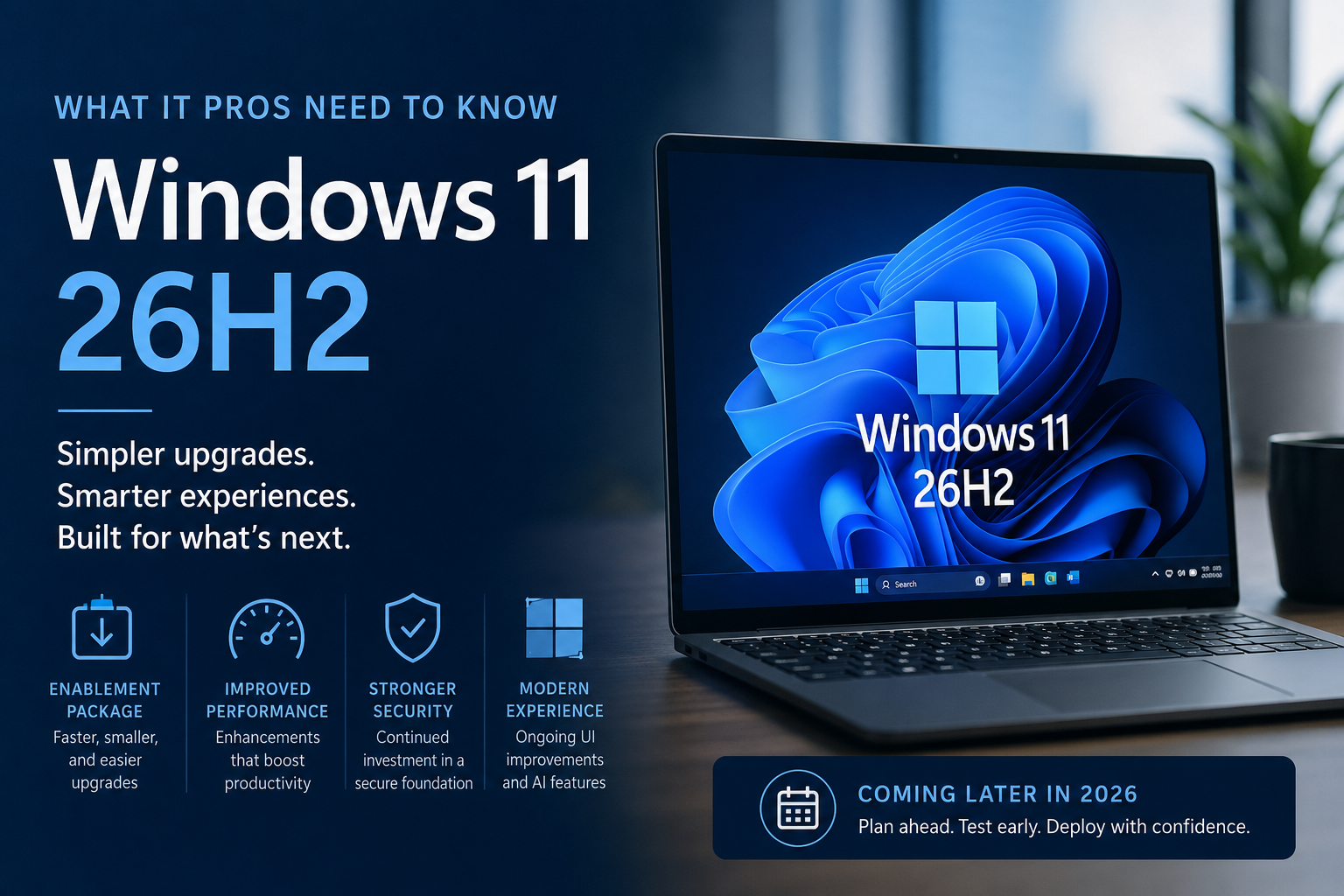
Microsoft has officially started talking about Windows 11 version 26H2, the next major update planned for Windows 11 later this year. While many organizations are still deploying or standardizing on Windows 11 24H2 and 25H2, it is already time for IT administrators to start understanding what 26H2 means for their environments and what planning should begin now.
The good news is that Microsoft appears to be taking a more predictable and less disruptive approach with this release. Rather than introducing a completely new operating system foundation, Windows 11 26H2 builds upon the same servicing platform used by Windows 11 25H2. For many organizations, this means a simpler upgrade process, reduced risk, and a much more manageable deployment experience.
Let’s take a closer look at what Windows 11 26H2 is, how it will be delivered, and what IT pros should be thinking about as the release approaches.
A Return to Simpler Upgrades
One of the biggest announcements surrounding Windows 11 26H2 is that Microsoft plans to deliver the release through an enablement package. If that sounds familiar, it should.
Microsoft has used enablement packages before to transition devices between feature update versions that share the same underlying code base. Instead of downloading and installing what feels like an entirely new operating system, many of the required components are already present on the device through previous cumulative updates.
The enablement package simply turns on features that have already been staged within the operating system.
For IT departments, this creates several advantages:
- Smaller downloads
- Faster installation times
- Reduced user downtime
- Lower deployment risk
- Easier rollback scenarios
- Simplified testing and validation
In practical terms, organizations running Windows 11 25H2 should experience a significantly faster transition to 26H2 compared to traditional feature updates.
Why Microsoft Is Taking This Approach
Anyone who has managed Windows updates over the last few years knows that major platform changes can create challenges.
The rollout of Windows 11 24H2 introduced substantial under-the-hood changes. While many improvements came with the release, it also required extensive validation, testing, and compatibility work across hardware, applications, drivers, and management solutions.
With 26H2, Microsoft appears to be prioritizing stability and predictability.
By keeping Windows 11 25H2 and 26H2 on the same servicing branch, Microsoft can focus on improving the platform without forcing customers through another large-scale operating system migration.
This is especially important for enterprise environments where change management, compliance validation, and application compatibility testing consume significant time and resources.
What New Features Can We Expect?
At the time of writing, Microsoft has not published a complete list of Windows 11 26H2 features.
However, Insider builds and early testing indicate several areas receiving continued investment:
Windows Search Improvements
Microsoft continues integrating AI-assisted capabilities into Windows Search.
The long-term goal appears to be making search more contextual and useful, helping users find files, settings, applications, and information more naturally without requiring exact keywords.
For organizations already embracing Microsoft Copilot and AI-powered workflows, these improvements could enhance user productivity and reduce time spent hunting for information.
File Explorer Enhancements
File Explorer remains one of the most heavily used components in Windows.
Recent Insider releases have shown Microsoft refining the overall experience, improving integration with AI-powered functionality, and continuing modernization efforts across the interface.
These changes may not be revolutionary, but they contribute to a more consistent and streamlined user experience.
User Interface Modernization
Microsoft continues its gradual effort to modernize older Windows components.
Areas such as system dialogs, management tools, and legacy user interfaces are steadily being updated to align with the broader Windows 11 design language.
This process has been ongoing for several releases and is expected to continue with 26H2.
Performance and Reliability
For many organizations, these may ultimately be the most important improvements.
Microsoft appears focused on:
- Faster servicing
- Reduced update complexity
- Improved system responsiveness
- Better reliability
- Enhanced security foundations
What About Windows 11 26H1?
One aspect that has created confusion is Microsoft’s separate Windows 11 26H1 release.
Unlike 26H2, Windows 11 26H1 is designed primarily for new ARM-based hardware platforms and is not intended as a broad feature update for existing Windows devices. Most organizations managing traditional Intel and AMD fleets will not encounter 26H1 during normal deployment planning. Instead, 26H2 remains the release that most businesses should focus on.
What This Means for Intune and Enterprise Management
From a management perspective, Windows 11 26H2 should be one of the easiest feature updates organizations have deployed in recent years.
IT Admins using:
- Microsoft Intune
- Windows Autopatch
- Windows Update for Business
- Configuration Manager
- Third-party patch management solutions
should benefit from the reduced complexity associated with enablement package deployments.
This does not eliminate the need for testing, but it should significantly reduce the overall effort required to validate and roll out the update.
Organizations should still:
- Review application compatibility
- Validate security tools
- Test endpoint management policies
- Confirm hardware readiness
- Pilot deployments with early adopters
The difference is that the underlying platform remains much more familiar than previous major Windows transitions.
Planning Ahead for Deployment
Although general availability is still expected later in 2026, now is the ideal time to begin preparation.
Recommended actions include:
Inventory Your Environment
Understand which devices are currently running:
- Windows 11 24H2
- Windows 11 25H2
- Windows 10
This helps establish your upgrade strategy and identify any remaining modernization work.
Review Update Rings
Ensure your deployment rings remain healthy and representative of your production environment.
Organizations with mature pilot, validation, and production rings will be able to move quickly once 26H2 becomes available.
Evaluate Legacy Dependencies
Use this opportunity to identify:
- Legacy applications
- Unsupported drivers
- Aging hardware
- Technical debt
Addressing these issues before deployment will reduce risk later.
Align With Business Calendars
Avoid scheduling feature update projects during periods of peak business activity.
Planning now allows organizations to build deployment timelines that minimize disruption.
Final Thoughts
Windows 11 version 26H2 may not be the flashiest Windows release we have seen, but that could be exactly what enterprise customers want.
After several years of significant platform transitions, Microsoft appears focused on delivering a release centered around stability, manageability, and simplified servicing. The enablement package approach means organizations should be able to move from Windows 11 25H2 to 26H2 with minimal disruption while still benefiting from ongoing innovation across the platform.
For IT professionals, this is welcome news.
Less time spent troubleshooting feature update deployments means more time focused on security, automation, endpoint management, and delivering value to users.
As Microsoft continues sharing additional details throughout the Insider cycle, organizations should begin preparing now so that when Windows 11 26H2 arrives later this year, deployment becomes another routine update rather than a major migration project.