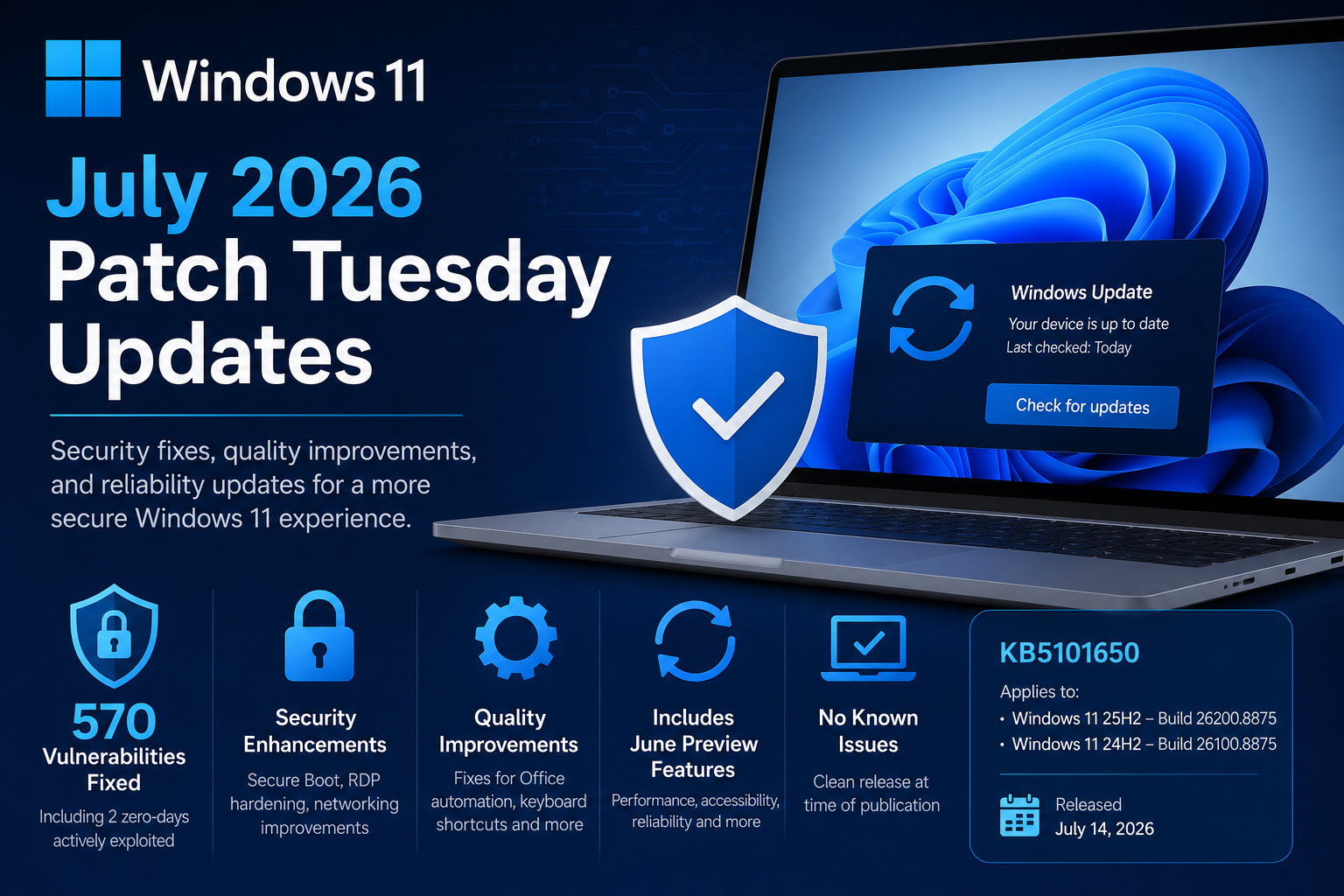
Microsoft has released its July 2026 Patch Tuesday updates for Windows 11, delivering another important month of security and reliability improvements. While this month’s release does not introduce a long list of new end-user features, it is one of the most significant security releases in recent memory, addressing hundreds of vulnerabilities across the Windows ecosystem while also rolling in the non-security improvements that first appeared in the June preview update.
For organizations and IT administrators, this is a mandatory security update that should be prioritized through your normal deployment and testing process.
Windows 11 July 2026 Updates at a Glance
| Windows Version | KB | OS Build |
|---|---|---|
| Windows 11 25H2 | KB5101650 | Build 26200.8875 |
| Windows 11 24H2 | KB5101650 | Build 26100.8875 |
As with previous cumulative updates, if your device is already current, Windows will only download the new fixes that were not previously installed. This month’s release also includes all of the improvements delivered in the June 2026 preview update (KB5095093), meaning organizations that skipped the optional preview will receive those enhancements automatically.
A Record-Breaking Security Release
The headline for July’s Patch Tuesday is security.
Microsoft addressed approximately 570 security vulnerabilities across Windows and its supported products, making this one of the largest Patch Tuesday releases the company has ever published. Among those fixes are:
- Two zero-day vulnerabilities that were actively exploited
- One publicly disclosed vulnerability
- Fifty-nine Critical vulnerabilities
- Hundreds of Elevation of Privilege, Remote Code Execution, Information Disclosure, Denial of Service, and Spoofing vulnerabilities
The largest categories include:
- 254 Elevation of Privilege vulnerabilities
- 145 Remote Code Execution vulnerabilities
- 102 Information Disclosure vulnerabilities
- 35 Denial of Service vulnerabilities
- 17 Security Feature Bypass vulnerabilities
- 16 Spoofing vulnerabilities
This month’s release reinforces why delaying Patch Tuesday deployments can significantly increase organizational risk, especially when active exploitation is already occurring.
Security Improvements Included in KB5101650
Beyond vulnerability fixes, Microsoft continues strengthening several core Windows security technologies.
Expanded Secure Boot Certificate Deployment
Microsoft continues rolling out updated Secure Boot certificates to eligible Windows devices.
These certificates became increasingly important after older Secure Boot certificates began approaching expiration during 2026. This update expands Microsoft’s targeting logic so more eligible systems automatically receive the new certificates through Windows Update.
For most users, this happens entirely in the background, but for enterprise administrators it helps ensure devices remain trusted and boot securely as certificate transitions continue.
curl Updated
Windows now ships with curl 8.21.0, bringing newer security fixes and improvements for one of the most commonly used networking utilities included with Windows.
This benefits administrators, developers, automation scripts, and troubleshooting scenarios that rely on curl.
Remote Desktop Security Improvements
Microsoft is continuing its effort to modernize Remote Desktop security.
This update adds support for SHA-2 certificate thumbprints for trusted Remote Desktop publishers while retaining SHA-1 only for backward compatibility. Microsoft recommends administrators begin migrating to SHA-256 or stronger algorithms to prepare for future removal of SHA-1 support.
The update also introduces new guidance for controlling which RDP files users can open, helping reduce phishing risks associated with malicious Remote Desktop configuration files.
Networking Security Hardening
A new networking hardening change now enforces Transport Driver Interface (TDI) transport registration requirements.
While this improves Windows security, organizations using older third-party networking components should validate compatibility before broad deployment, as applications relying on unregistered third-party TDI transports may stop functioning after the update.
Quality Improvements and Bug Fixes
Although this is primarily a security release, Microsoft also includes the quality improvements introduced in the June preview update.
Office Automation Compatibility Fix
One particularly welcome fix addresses an issue introduced after the June 2026 security update.
Some third-party applications that automate Microsoft Office through OLE Automation could fail to launch Office applications or open documents correctly.
That issue has now been resolved, which will be especially important for organizations that depend on custom business applications and Office integrations.
Keyboard Shortcut Reliability
Microsoft adjusted how Windows manages hotkey registration and cleanup.
In rare situations, some built-in Windows experiences may temporarily stop responding to keyboard shortcuts because of the new lifecycle behavior. Restarting the affected application generally resolves the issue.
If problems persist, Microsoft recommends reporting them through the Feedback Hub.
Features Included from the June Preview Release
Because July’s cumulative update incorporates June’s optional preview update, organizations that skipped the preview will now receive several new capabilities, including:
- Point-in-Time Restore for Windows
- Improved Bluetooth reliability and pairing
- Performance improvements throughout File Explorer
- Accessibility enhancements
- Widgets experience improvements with fewer distractions
- Additional recovery enhancements
These are now part of the standard supported Windows experience without requiring administrators to install the optional preview release separately.
AI Component Updates
For Windows Copilot+ PCs, Microsoft also updates several AI components to version 1.2605.856.0, including:
- Image Search
- Content Extraction
- Semantic Analysis
- Settings Model
These updates only apply to supported Copilot+ devices and are not installed on standard Windows PCs.
Servicing Stack Update
KB5101650 also includes a Servicing Stack Update (SSU), improving the reliability of future Windows Update installations.
Microsoft now packages Servicing Stack Updates together with cumulative updates, simplifying deployment and reducing administrative overhead.
Known Issues
The good news this month is simple.
Microsoft currently reports no known issues with KB5101650 at the time of release.
That does not necessarily mean issues will not surface as organizations begin broader deployments, but it is encouraging to see a clean release from Microsoft’s Release Health dashboard.
Important Lifecycle Reminder
Microsoft also reminds customers that:
- Windows 11 version 24H2 Home and Pro editions reach end of servicing on October 13, 2026
- Enterprise and Education editions remain supported until October 12, 2027
Organizations still running Home or Pro editions of 24H2 should begin planning upgrades to newer supported Windows releases to continue receiving monthly security updates.
Deployment Recommendations for IT Admins
As with every Patch Tuesday, production deployment should follow your organization’s normal validation process.
Recommended approach:
- Test on pilot devices first.
- Validate line-of-business applications, particularly those using Microsoft Office automation.
- Verify networking applications if your environment uses third-party networking drivers or legacy transports.
- Confirm Remote Desktop workflows continue operating as expected.
- Roll out broadly after successful validation.
Since this month’s release contains active zero-day fixes, organizations should avoid delaying deployment longer than necessary.
Final Thoughts
July 2026 may not be remembered for flashy new Windows features, but it is an extremely important release from a security perspective. With roughly 570 vulnerabilities addressed, including actively exploited zero-days, this month’s cumulative update is one that deserves immediate attention from both consumers and enterprise IT teams.
In addition to strengthening Windows security, Microsoft continues improving platform reliability with Secure Boot certificate updates, Remote Desktop security enhancements, Office compatibility fixes, networking hardening, and the quality improvements carried forward from June’s preview release.
For most organizations, KB5101650 is a straightforward deployment that enhances security while delivering a more stable Windows 11 experience with no currently known issues reported by Microsoft.